Social Platform Features Not Currently Operational — Course Home Page
AIPLAN on Twitter
Use the hash tag #aiplan
for tweets about the course.
The course team Twitter username is @aiplanner.
AIPLAN Virtual Worlds Meeting Spaces
- AIPLAN Second Life Meeting Spaces
- The Second Life virtual world allows you to obtain a free avatar and meet with others and communicate via text chat, instant messaging and voice.
- You can try to go to one meeting area initially. If that is full try an alternative in other regions on the Virtual University of Edinburgh (Vue) in Second Life. Communications is possible using group text and voice chat wherever you are located in Second Life. So, you might also suggest alternative areas to meet in smaller groups, or with others you interact or study with. Perhaps suggest an area for those who speak your own language or who are in your own time zone as a regular meeting place.
-
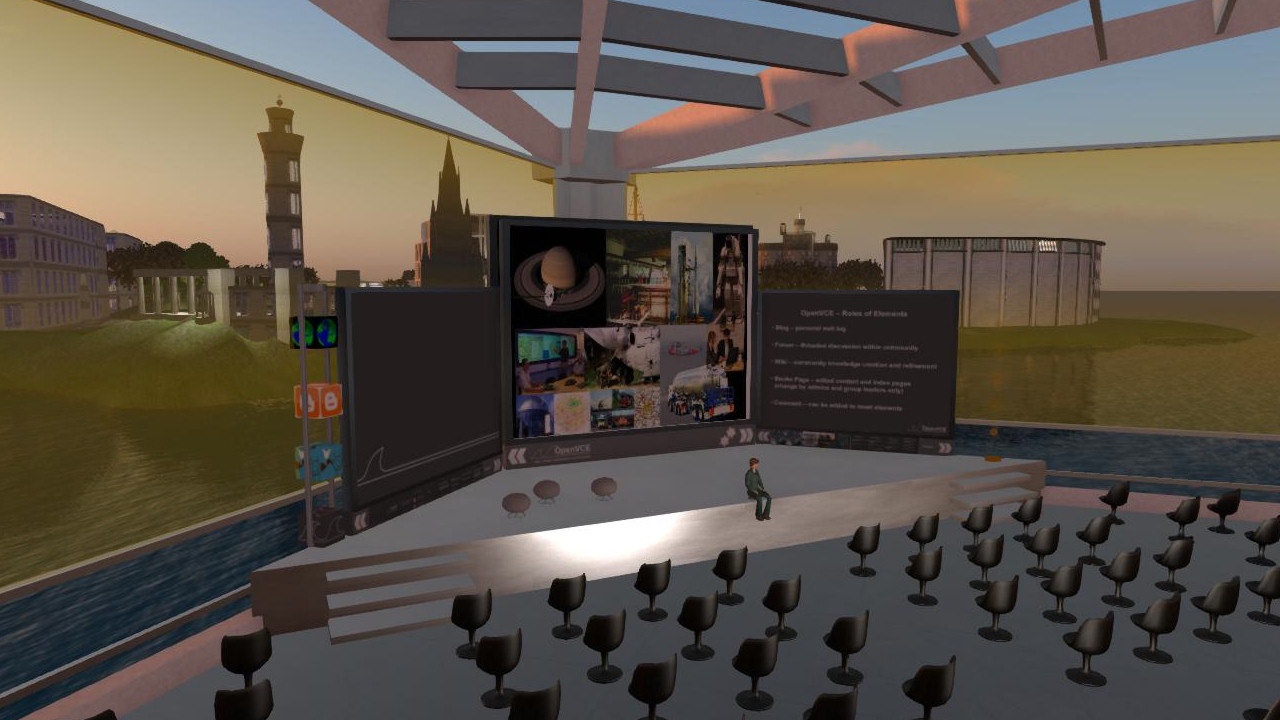
Platform Location URL Launcher Primary Location (try first) Second Life Venue@Vue - Amphitheatre for up to 100 avatars http://slurl.com/secondlife/Vue/215/38/28/ 
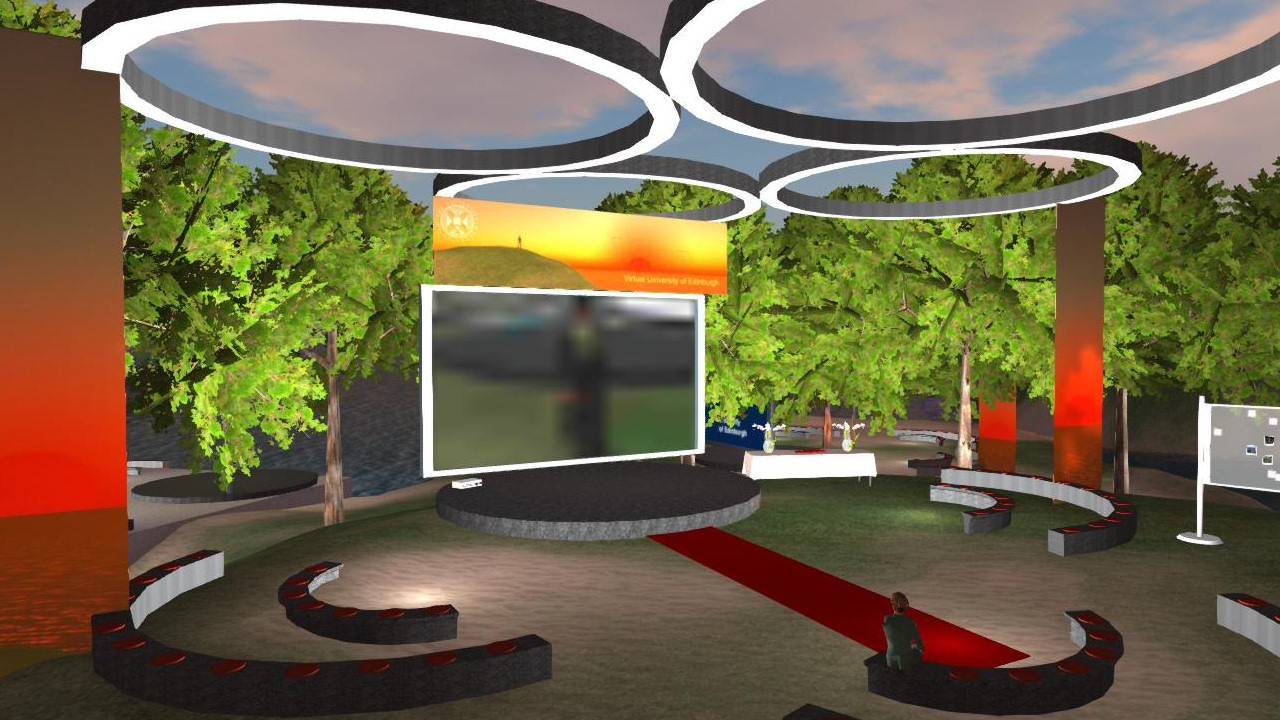
Backup Location Second Life I-Room@Vue I-Room for up to 30 avatars http://slurl.com/secondlife/Vue/144/168/25/ Popup Locations (search in maps) Second Life Any other region or sandbox Search in Maps OpenSim OSGrid Potential to be explored - This is an experimental facility and may or may not be effective in terms of the number of participants in the course who may wish to meet. Please be courteous to others and help them with technical issues. Also don't all try to use voice at the same time of course, that simply would not work. If you wish to speak, use a headset and never leave an open mic and speakers as others (but possibly not yourself) will get feedback and noise. Mute your microphone when not speaking in any case.
- AIPLAN Second Life Group
- Join the group to participate in group text chat and voice meetings (which should work wherever you are located in Second Life).
- Search in-world for group "AIPLAN", click this link while the Second Life viewer is running, or paste the URL into text chat and click it: secondlife:///app/group/816a1ab5-ddc8-0c4a-f994-2983ebfbde44/about
- Please do not misuse the group to advertise or send spam messages to participants. We will have to remove you from the group if you do that. Please report abuse to aiplan-abuse@openvce.net.
- Popup Meeting Space Virtual World Assets
- You can obtain a free virtual world collaboration-orientated building to use to create a popup meeting space - for example on a sandbox region - in Second Life via Ai Austin's Store in the Second Life Marketplace.
Course name: AI Planning
Short name: AIPLAN
Virtual World Space

Twitter Tag: #aiplan
Follow: @aiplanner
This work is licensed under a Creative Commons Attribution-NonCommercial-ShareAlike 3.0 Unported License.